Never miss a reply or follow-up again.
Pipelines turn your mail merge campaigns into one clear to do list. See who answered, who's waiting, and who needs a nudge, right inside Mailmeteor.
Rated 4.9/5 out of 11,741+ reviews
Open Pipelines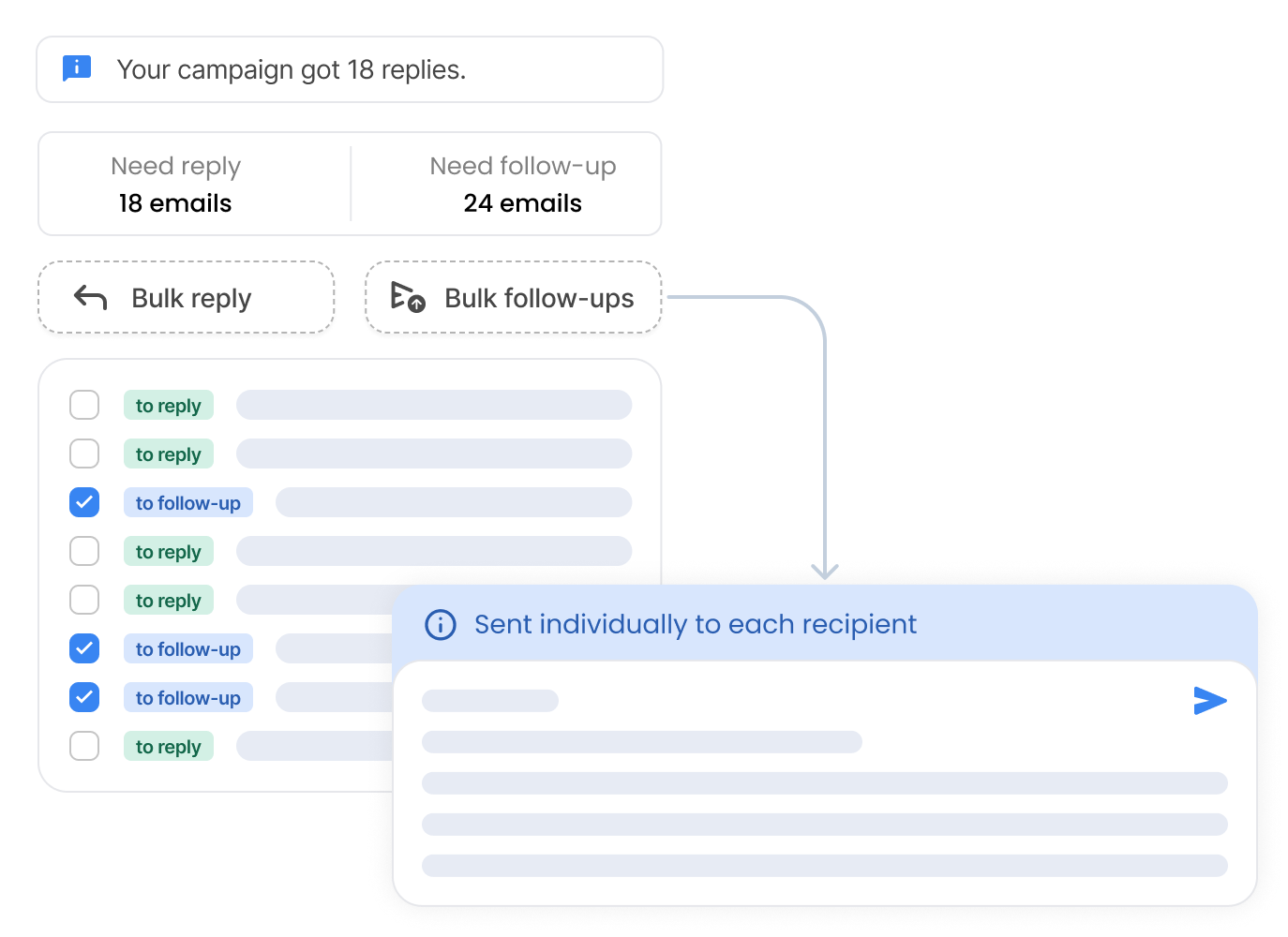
Pipelines turn your mail merge campaigns into one clear to do list. See who answered, who's waiting, and who needs a nudge, right inside Mailmeteor.
Rated 4.9/5 out of 11,741+ reviews
Open Pipelines
Companies & organizations from all over the world trust Mailmeteor. Read all reviews.
Pipelines automatically sort every conversation into To reply, To follow up, Waiting, or Archived.
No more scrolling through your inbox to figure out what's next. Open your dashboard and know instantly where you stand with each recipient.
Statuses update on their own as people reply or go quiet. You never have to file a single conversation by hand.
Open your Pipelines →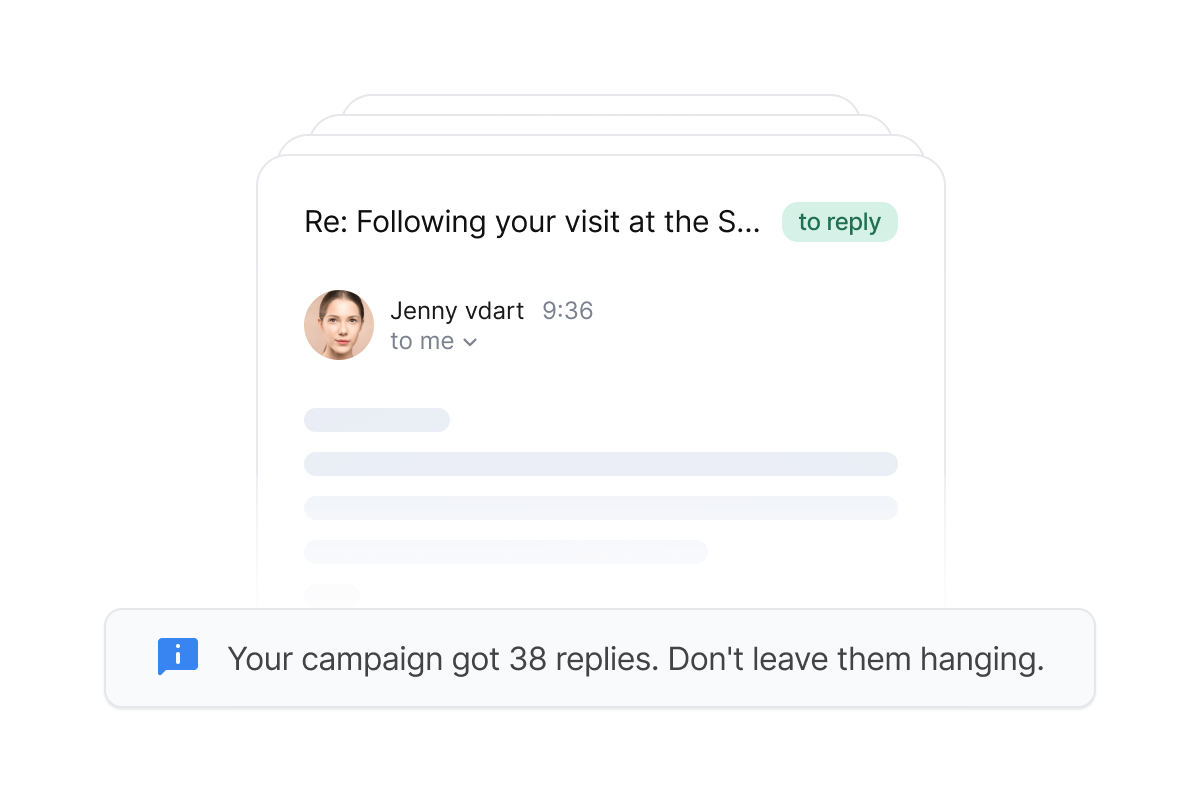
Every thread, attachments included, shows up right inside Mailmeteor. Reply, follow up, or reply to all in one click.
Stop jumping between tabs. Your whole conversation lives in one place.
Opens, clicks, and bounces sit next to each message, so you know how engaged someone is before you write back.
Reply from the Dashboard →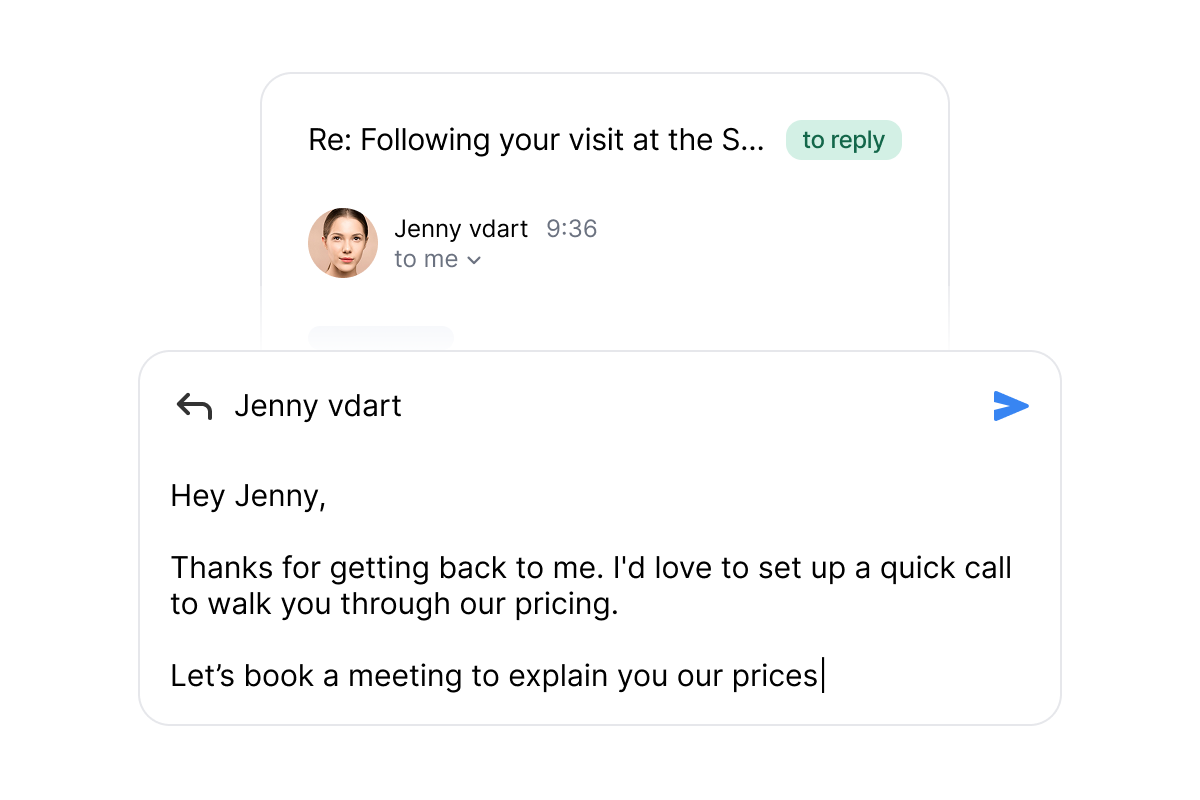
Select multiple conversations and send a batch reply, schedule a follow-up, or archive them all at once.
Perfect for high-volume outreach, when every minute counts.
Each message still goes out individually, personalized to its recipient. Nobody ever sees a group thread.
Reply in bulk with Mailmeteor →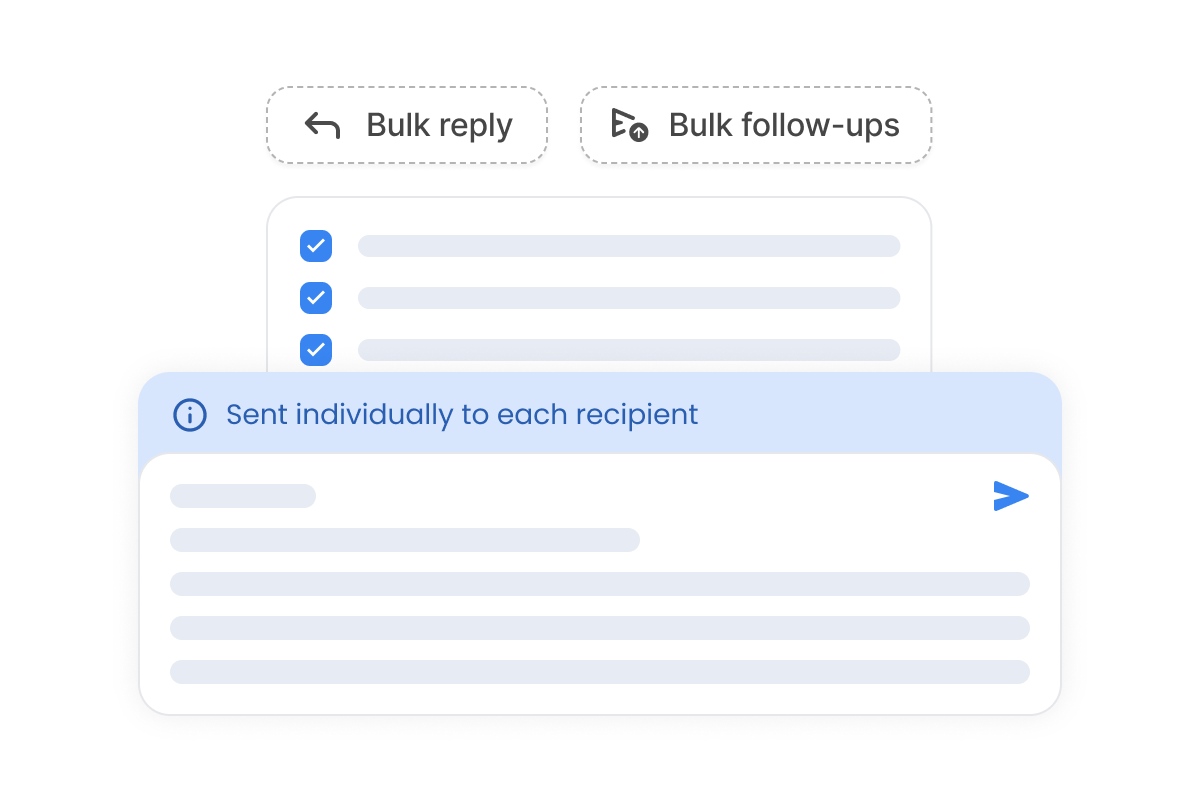
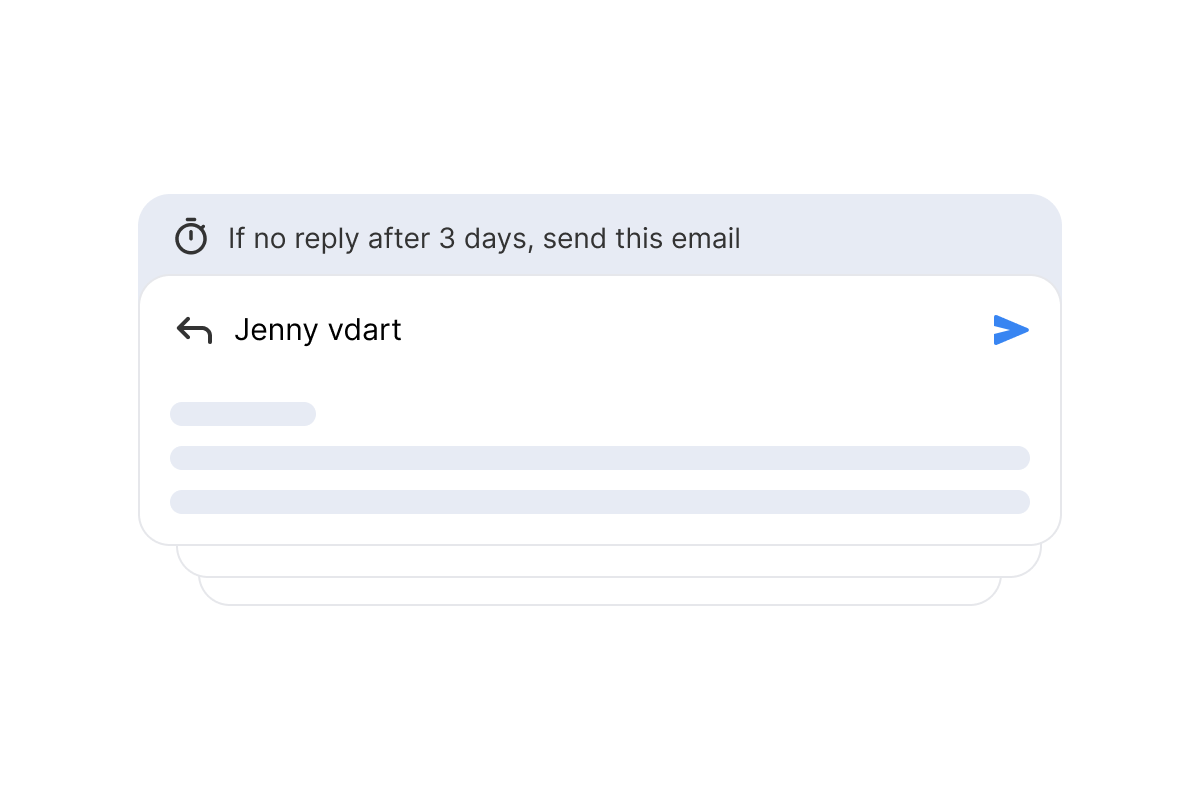
Set a simple rule, like "if no reply, after 3 days, send this email," and Pipelines take care of the rest.
Your follow-ups go out on time, every time, without you lifting a finger.
Combine conditions such as no open or no click to build a full sequence, and it stops the moment someone answers.
Every campaign you send flows straight into your Pipelines. Replies and opens show up the moment they happen, already sorted by status.
A live preview of Mailmeteor Pipelines. Conversations appear as recipients reply, and are sorted by status.
Pipelines work with Gmail, Outlook and Zoho. Some actions are still limited on Outlook and Zoho.
Learn how to send your first campaign →

Every conversation is sorted into To reply, To follow up, Waiting, or Archived, automatically.

Read the full email thread right inside Mailmeteor. No need to open your mailbox.

Files sent or received in the thread show up right alongside the conversation.

Reply, follow up, or archive dozens of conversations at once.

Set a rule once, like “if no reply after 3 days,” and let Mailmeteor send it for you.

Every campaign you send shows up in your Pipelines automatically, whether you send from Gmail, Outlook or Zoho.

Mailmeteor is recommended by Google as a market-leading application to help you get work done.
This recognition from Google itself marks years of effort to create a stunning application that natively integrates with Google Workspace products, such as Gmail and Google Sheets.




Companies & organizations, from all over the world trust Mailmeteor. Read all 10,000+ reviews.
I recently started using Mailmeteor for my email campaigns, and I couldn't be happier with the results! The user interface is incredibly intuitive, making it easy to personalize and send emails in bulk. The integration with Google Sheets is seamless, allowing me to manage my contacts efficiently. I particularly appreciate the tracking features, which provide valuable insights into open rates and engagement. This has helped me refine my approach and improve my overall communication strategy. Overall, Mailmeteor has significantly streamlined my email marketing efforts. I highly recommend it to anyone looking for an effective and user-friendly solution!

Chrome Web Store
Mailmeteor is super easy to use and really helps me send personalized emails quickly and professionally. Highly recommended!
Chrome Web Store
I’ve been using MailMeteor for a while now. I originally signed up when they launched through a Lifetime Deal (LTD) on AppSumo. From past experience, I’ve noticed that companies often let their customer service slide over time, especially for LTD users. But with MailMeteor, it’s been the exact opposite. Their customer service has been consistently excellent (definitely 5-star), and the tool itself is solid, reliable, and packed with useful features.

Chrome Web Store
I have tried others like mailchimp, however i found mailmeteor easier to configure and get the campaign run quickly and doesn't need expertise. I have been using this for last 3 years. Recommend you to try it out.
Capterra
Mailmeteor is very convenient to use. We saved a lot of time using it. highly recommended!
Trustpilot
So far found this tool very useful. It allows me to quickly export to Excel all the emails I've sent so I can see who I've emailed (and don't need to email again) and who I've not yet emailed.

Chrome Web Store
Find tutorials & help guides in our documentation.
What are Pipelines in Mailmeteor?
Pipelines organize every reply to your mail merge campaigns into one clear view. They automatically sort conversations into To reply, To follow up, Waiting, or Archived, so you always know what to do next.
Do I need to leave my mailbox to use Pipelines?
No. Pipelines show the full conversation thread, including attachments, right inside Mailmeteor. You can reply, follow up, or reply to all without switching tabs.
Can I reply to multiple people at once?
Yes. Select any number of conversations and use batch actions to send a reply, schedule a follow-up, or archive them all in one move. This is especially useful for high-volume outreach.
How does automatic follow-up scheduling work?
Set a simple rule, for example “if no reply, after 3 days, send this email,” and Mailmeteor sends the follow-up for you. You can combine several conditions, such as no open or no click, to build a complete follow-up sequence. Learn more about follow-up triggers.
Which email providers do Pipelines work with?
Pipelines work with Gmail, Outlook and Zoho, and with campaigns sent from Google Sheets, Excel or the dashboard. Replies are detected and sorted into statuses for every provider. Two actions vary: replying from Mailmeteor is available for Gmail and Outlook, and automatic follow-ups are available for Gmail. For the other cases, you can always open the thread in your own mailbox in one click.
Which plan do I need to use Pipelines?
Pipelines are available on the Professional plan and above (see pricing). That includes everything: statuses, conversation threads, batch actions and automatic follow-ups.
How do I get started with Pipelines?
Send your first campaign with Mailmeteor, then open the Pipelines tab in your dashboard.
Start free, upgrade whenever you need.