Welcome back to Mailmeteor’s Launch Week! We’re thrilled to continue unveiling new features every day to enhance your email outreach experience.
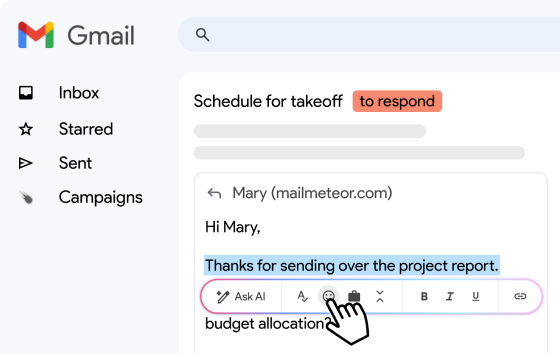
If you’ve been following along, you know that we’ve been rolling out some exciting updates. On Monday, we introduced Mailmeteor for Gmail, a game-changer that seamlessly integrates Mailmeteor into your Gmail inbox. Yesterday, we unveiled draft campaigns, empowering you with the flexibility to perfect your email campaigns with ease.
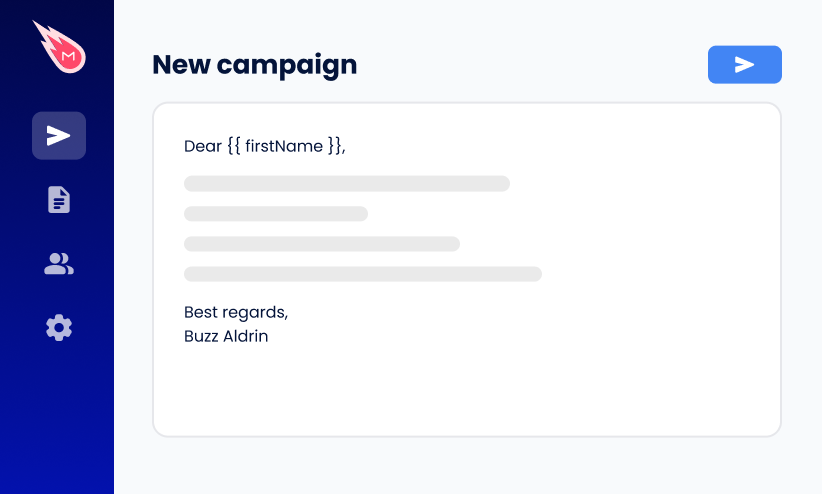
Today, we’re delighted to introduce yet another powerful feature: duplicate campaigns. We’ve listened to your feedback, and we understand the importance of efficiency in your email outreach strategy. With duplicate campaigns, you can now effortlessly reuse your past successes and iterate on them to achieve even greater results.
One-click duplicate campaigns
Creating a duplicate campaign is simple:
- Sign in to Mailmeteor Dashboard
- Select the campaign you wish to duplicate
- Click on the “⋮” to see more options
- Click on the duplicate option.
Voila! Your campaign, along with all its settings, will be duplicated and saved as a new draft campaign (a feature we announced yesterday).
By saving time on recreating campaigns from scratch, you can focus more on reaching your audience effectively. Note that we don’t duplicate your campaign’s recipients at the moment, but let us know if you think we should.
What’s Next?
While we’re excited to introduce duplicate campaigns today, our journey during Launch Week is far from over. Stay tuned for tomorrow’s announcement as we continue to elevate your email experience with Mailmeteor.
In the meantime, don’t hesitate to explore duplicate campaigns and make the most out of this new feature. If you’d like to share feedback, we’re just one click away.
Happy sending!

This article was written by Corentin Brossault, Mailmeteor's CEO. Mailmeteor is a simple & privacy-focused email marketing software. Trusted by millions of users worldwide, it is often considered as the best Gmail mail merge to send mass personalized emails.