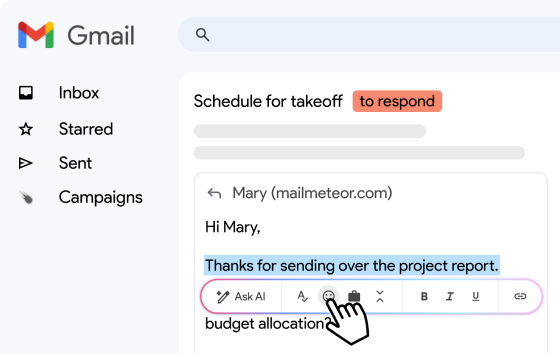
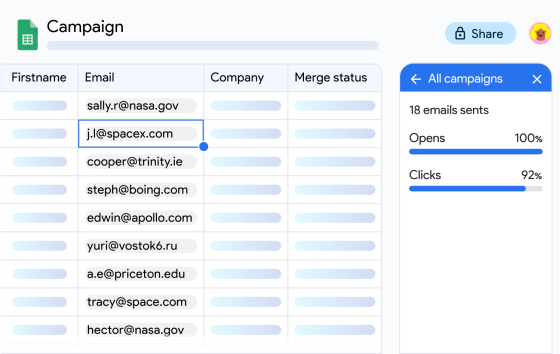
Yesterday, April 1st, we announced the much-anticipated Mailmeteor for Gmail, a revolutionary companion to send email marketing campaigns directly through Gmail.
Rest assured, it’s no April’s fool! You can install our Gmail plugin from the Chrome Web Store.
We also announced a Launch Week where we will release one new feature every day. Today is day 2, and I’d like to introduce: draft campaigns.
Autosave your campaign as a draft
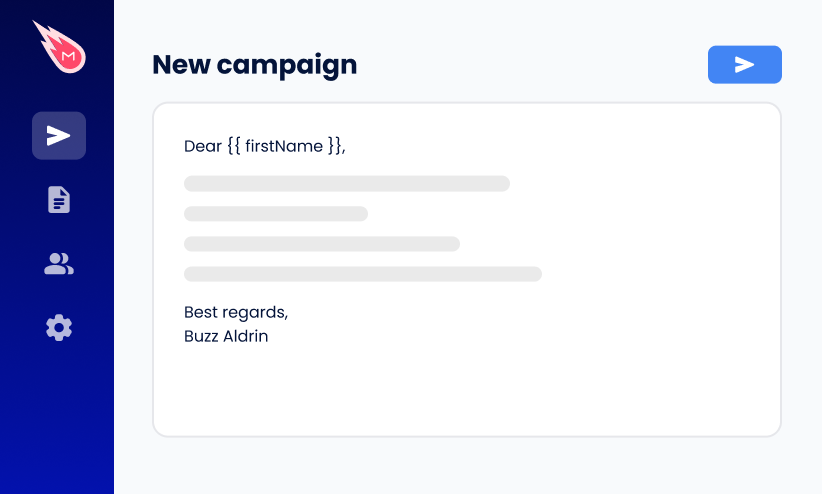
Whenever you create a campaign in the Mailmeteor Dashboard, it will automatically be saved as a draft, just like your draft emails are saved in Gmail.
This may seem like a small thing, but it might save you from some big headaches. Next time someone interrupts you from writing that catchy subject line, you can be confident that you’ll find your work just as you left it.
To let you know that your campaign is being saved, we added a visual feedback next to “New campaign”. It’s similar to Google Docs and works as follows:
Resume working at any time
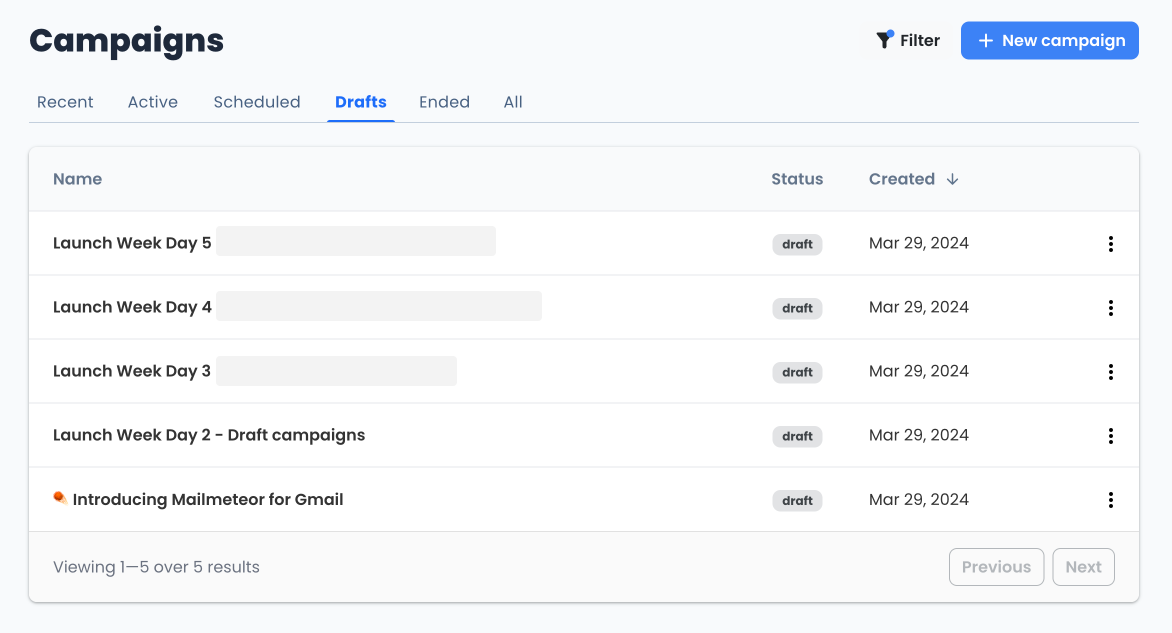
You can resume working on your draft campaigns at any time. They will be available in the new “Drafts” tab in the Dashboard.
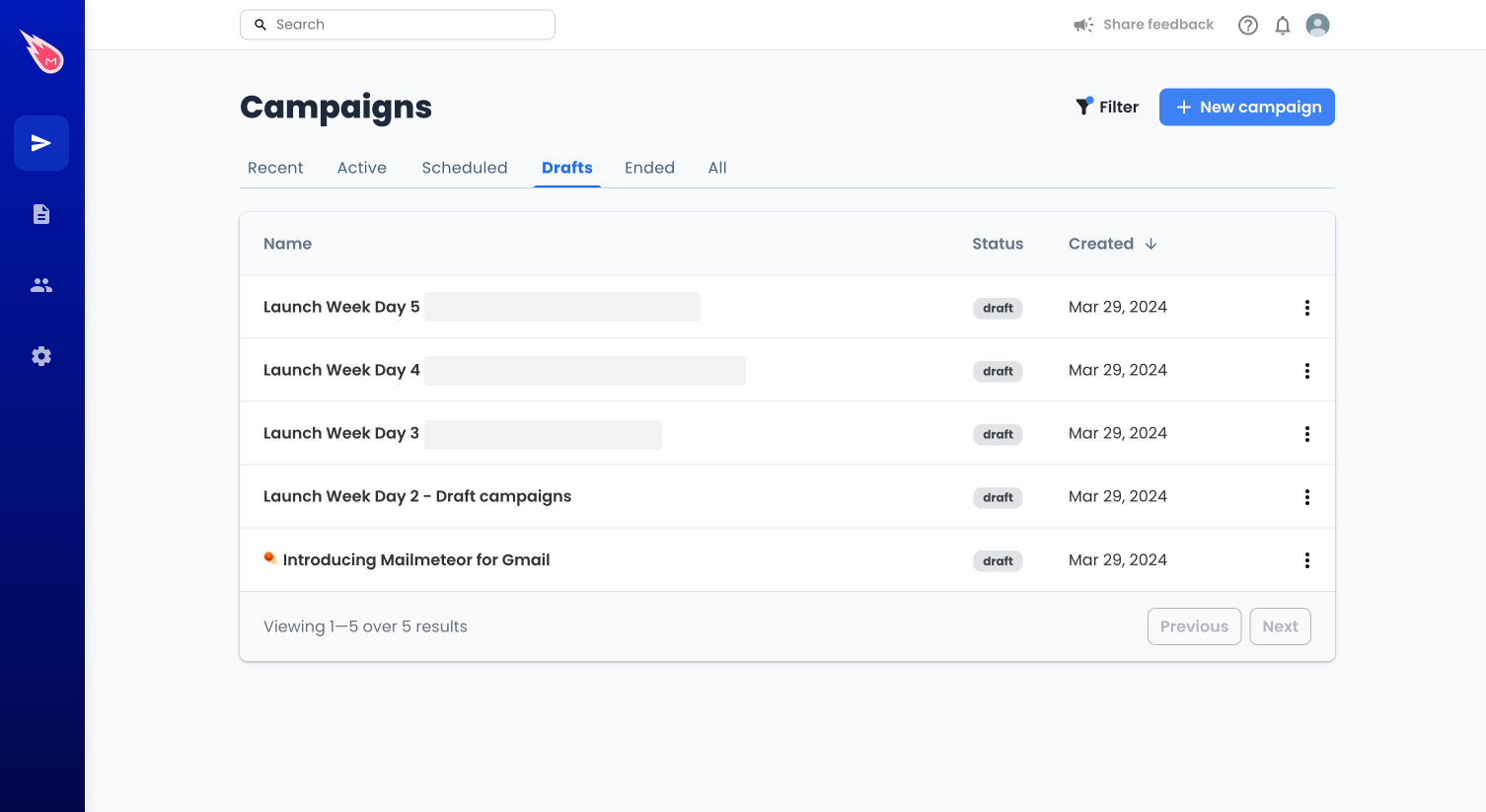
Note that we don’t save your campaign’s recipients at the moment. But all the other settings are automatically saved without you noticing.
What’s next?
We will be adding draft campaigns to Mailmeteor for Gmail in the coming weeks. We don’t plan on making this available in our Google Sheets add-on, but feel free to share your feedback if you think we should.
We have many more things coming up. So, this week we are doing our first-ever Launch Week by releasing one new feature every day for the coming days. Yesterday, we announced Mailmeteor for Gmail. Today, draft campaigns. See you tomorrow for Day 3 of the Launch Week.
Happy sending!

This article was written by Corentin Brossault, Mailmeteor's CEO. Mailmeteor is a simple & privacy-focused email marketing software. Trusted by millions of users worldwide, it is often considered as the best Gmail mail merge to send mass personalized emails.