According to McKinsey, the average professional spends 28% of their workweek on email. That’s over two hours every single day. Most of it isn’t spent on anything meaningful — it’s sorting, triaging, and chasing threads that should have been handled automatically.
But AI email management tools are changing that. They can sort your inbox, draft replies, send follow-ups, and surface what actually needs your attention. All without switching apps or learning a new workflow.
The problem is that there are dozens of tools claiming to do this, and most reviews don’t tell you which ones actually work for Gmail or Outlook users specifically. We researched and reviewed 7 of the best options so you don’t have to.
TL;DR — Here are the best AI email management tools in 2026:
- Mailmeteor — Best for Gmail outreach and mail merge
- Gemini in Gmail — Best for Google Workspace users
- Microsoft Copilot — Best for Outlook users
- Superhuman — Best for managing high email volume at speed
- Shortwave — Best for Gmail users switching to an AI-native inbox
- Fyxer — Best for automating inbox organisation
- Jace AI — Best for hands-off inbox management
Here’s what we’ll cover:
- What AI email management is and how it works
- What these tools can actually do for your inbox
- The 7 best tools reviewed and compared
- How to choose the right one for your setup
Sounds good? Then let’s dive in.
What Is AI Email Management?
AI email management is the use of artificial intelligence to automate the repetitive parts of your inbox — sorting messages, flagging what matters, drafting replies, and sending follow-ups — without you having to manage each step manually. Most tools work directly inside Gmail or Outlook, with no new interface to learn.
Your inbox still fills up the same way it always has. But instead of opening it to a wall of unread messages and spending the first twenty minutes figuring out what matters, the noise is already gone — newsletters filtered, low-priority threads sorted, and the emails that actually need you sitting at the top.
It’s different from an AI email assistant, which helps you write and respond faster, or an AI email client, which replaces your inbox interface entirely. AI email management sits between the two. It works on top of your existing setup, automating the workflow around your emails rather than changing how you read and write them
What Can AI Email Management Tools Do?
Modern AI email tools do a lot more than sort your inbox. Here’s what the best ones are capable of.
Sort and Prioritise Your Inbox Automatically
Instead of treating every email the same, AI tools learn which messages matter to you — and which don’t. Newsletters, automated notifications, and low-priority threads get filtered out. Important messages from real people get surfaced first.
Draft and Suggest Replies
AI can read an incoming email and generate a reply in your tone — matching your usual sign-off, sentence length, and level of formality. You review, tweak if needed, and hit send. What used to take ten minutes takes thirty seconds.
Automate Follow-Ups
If someone doesn’t reply, most AI tools can send a follow-up automatically — at a time you choose, in a message you approve. No more manually tracking who owes you a response.
Clean Up Subscriptions and Clutter
Unsubscribing one by one is a task everyone puts off. AI tools handle it in bulk — identifying newsletters, promotional emails, and dead subscriptions you’ve stopped opening, and clearing them out before they pile up again.
Summarise Long Email Threads
Instead of scrolling through a 40-message thread to find the one piece of information you need, AI tools condense it into a few lines — with the key decisions, action items, and context pulled out.
The 7 Best AI Email Management Tools in 2026
We researched and compared the best AI email management tools across five criteria: platform compatibility, automation depth, ease of setup, privacy practices, and value for money. Here’s what made the cut.
| Tool | Best for | Gmail | Outlook | Free plan | Price from |
|---|---|---|---|---|---|
| Mailmeteor | Outreach and mail merge | ✅ | ❌ | ✅ | $9.99/month |
| Gemini in Gmail | Google Workspace users | ✅ | ❌ | ✅ | $19.99/month |
| Microsoft Copilot | Outlook users | ❌ | ✅ | ✅ (limited) | $20/month |
| Superhuman | High email volume | ✅ | ✅ | ❌ | $40/month |
| Shortwave | AI-native Gmail inbox | ✅ | ❌ | ✅ | $9/month |
| Fyxer | Inbox + meeting automation | ✅ | ✅ | ❌ (trial only) | $30/month |
| Jace AI | Hands-off inbox management | ✅ | ✅ | ❌ (trial only) | $25/month |
1. Mailmeteor — Best for Gmail Outreach and Mail Merge
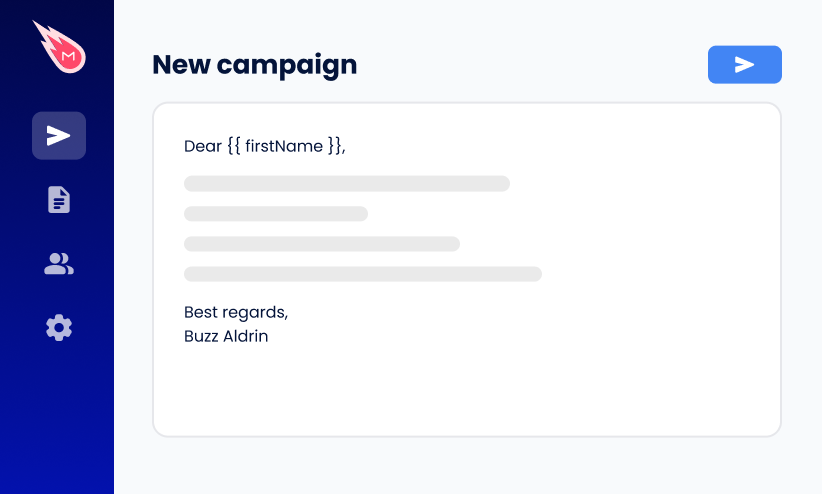
Mailmeteor is built for Gmail users who send a lot of outreach — follow-ups, campaigns, proposals, and personalized emails at scale. Unlike most AI email management apps, it doesn’t just manage what comes in.
It helps you control what goes out, with AI-powered drafting, automatic follow-ups, and mail merge built directly into Gmail and Google Sheets. It’s the only tool here recommended by Google for Google Workspace, with 7 million users and a 4.9/5 rating across 11,000+ reviews.
Key features:
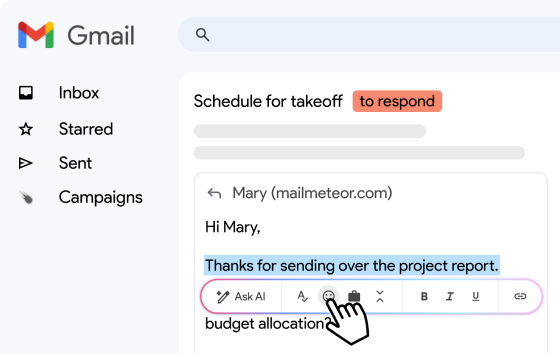
- AI email drafting and reply suggestions
- Thread summarisation
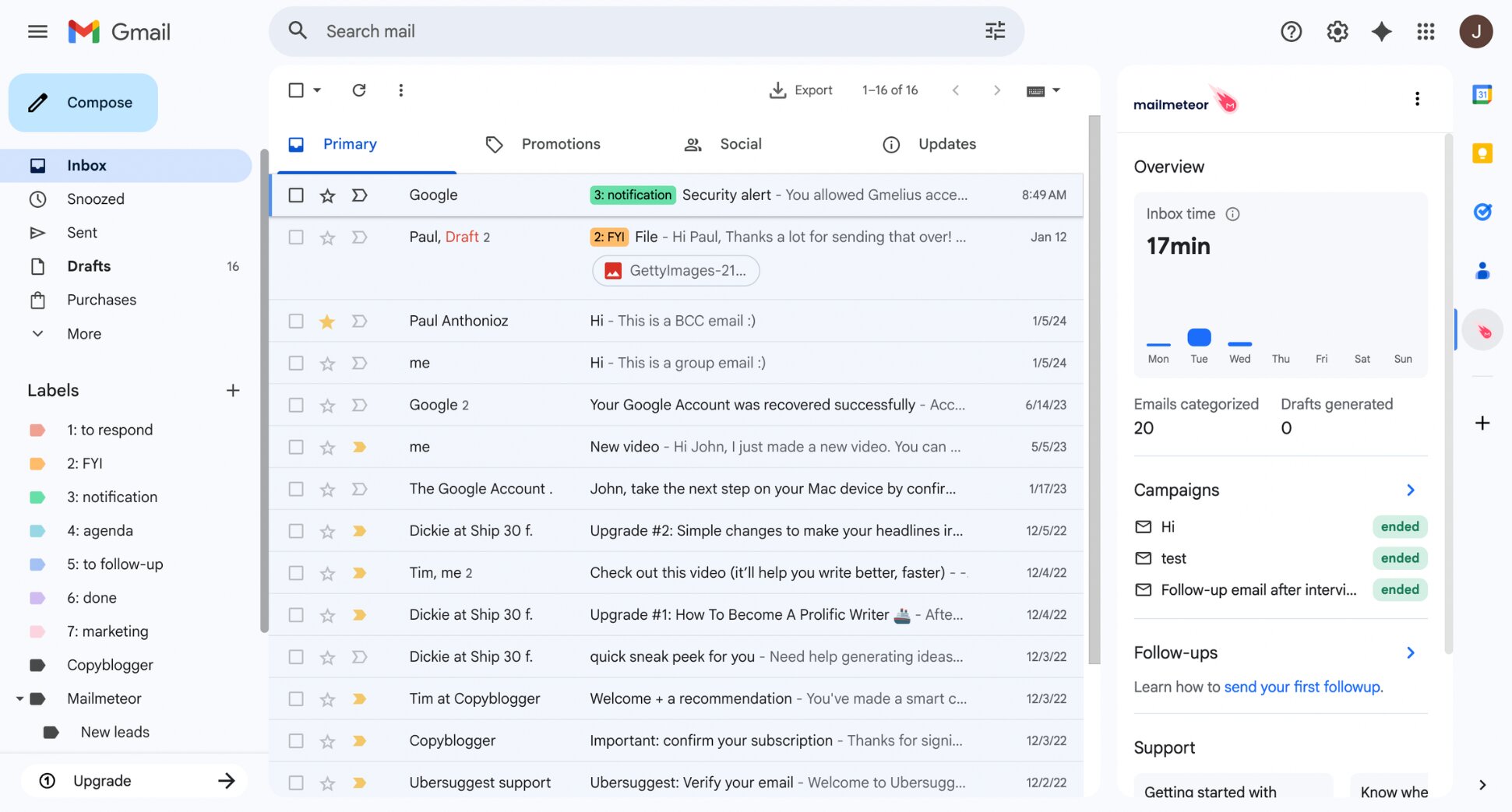
- Automatic inbox categorisation with smart labels
- Automatic follow-up sequences
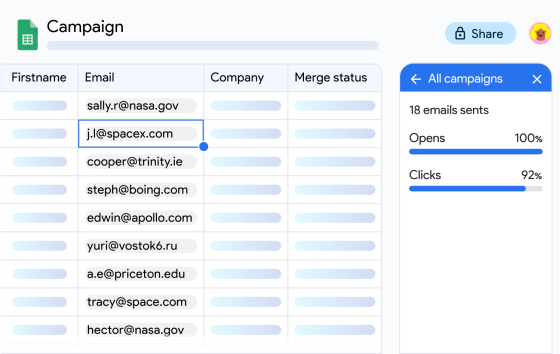
- Mail merge from Gmail and Google Sheets
- Email open and click tracking
Pricing: Free plan available. Paid plans from $4.99/month, up to $29.99/month.
Our verdict: The most complete AI email management tool for Gmail users — especially if outreach, follow-ups, and inbox organisation are all part of your daily workflow. Outlook users should consider Microsoft Copilot or Fyxer instead.
2. Gemini in Gmail — Best for Google Workspace Users
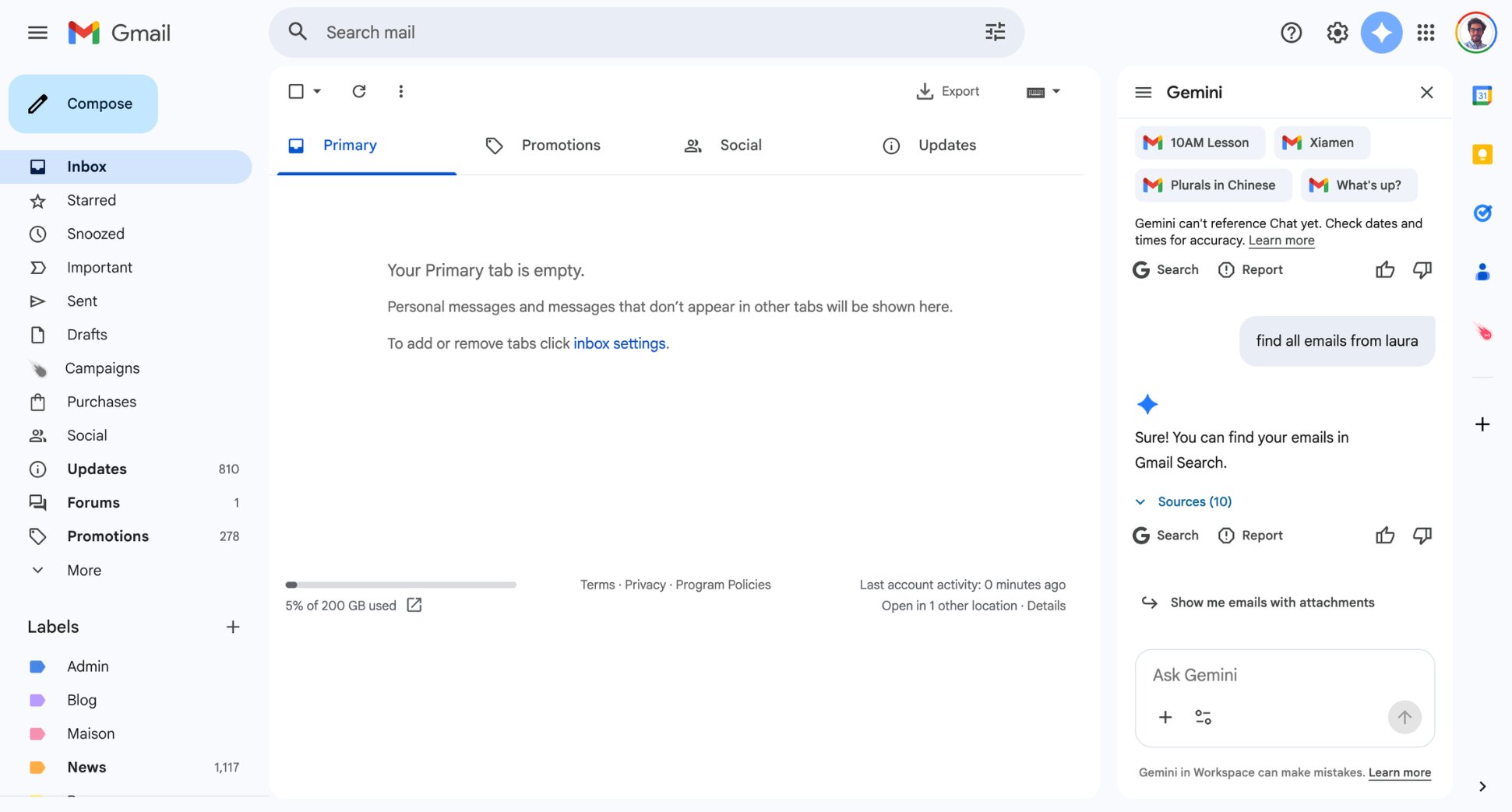
Gemini is Google’s native AI assistant, baked directly into Gmail. It can summarise long threads, draft replies, help you prepare for meetings, and answer questions about your inbox using natural language. If you’re already on Google Workspace, it’s the path of least resistance. No new tool to install, no new interface to learn.
The catch is that the most useful features require a paid plan. Basic Gemini access comes with Workspace Business Starter, but the full experience — AI across Gmail, Docs, Sheets, and Meet — requires Business Standard or above.
Key features:
- Thread summarisation
- AI reply drafting
- Natural language inbox search
- Meeting prep summaries
- Integration across Gmail, Docs, Sheets, and Meet
- Context-aware responses using Google Workspace data
Pricing: Included in Google Workspace plans from $6/user/month. Google AI Pro for individuals at $19.99/month.
Our verdict: The easiest starting point for Google Workspace users. Not the most powerful AI email management tool on this list, but the most frictionless.
3. Microsoft Copilot — Best for Outlook Users
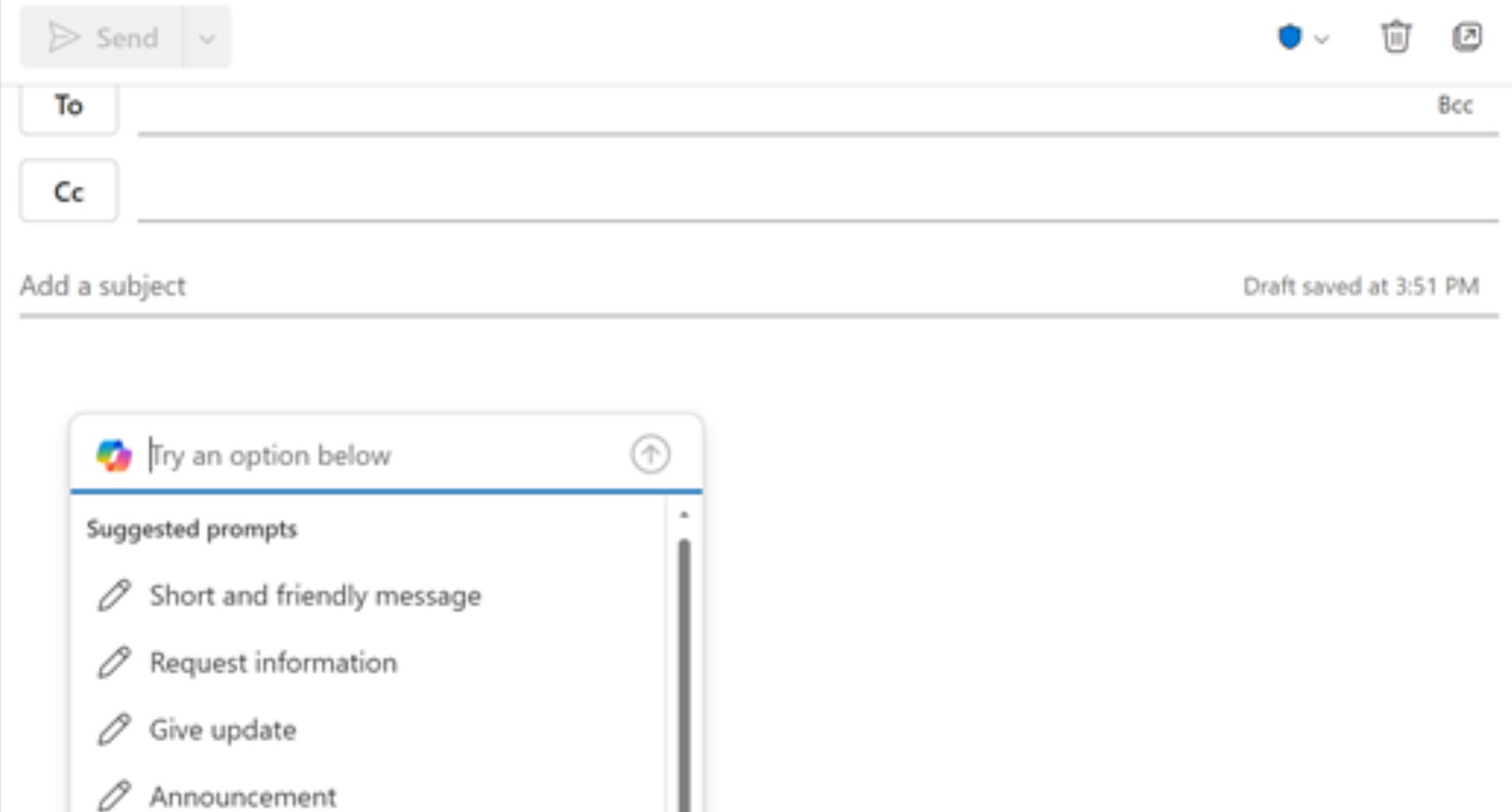
Copilot is Microsoft’s AI layer built into Outlook and the Microsoft 365 suite. It summarises email threads, drafts replies, schedules meetings from conversational prompts, and pulls context from your documents, calendar, and Teams conversations — all without leaving Outlook.
The key word is integrated. Copilot doesn’t bolt onto your workflow — it’s woven into the tools you’re already using. That makes it the most seamless AI email management option for Outlook users, and unlike most tools on this list, it’s included in a plan most Outlook users already pay for.
Key features:
- Thread summarisation in Outlook
- AI reply drafting with context from documents and calendar
- Meeting scheduling from email prompts
- Cross-app context (Word, Excel, Teams, SharePoint)
- Natural language inbox search
Pricing: Included in Microsoft 365 Personal ($9.99/month) and Family ($12.99/month) plans, both of which include Copilot in Outlook, Word, Excel, and PowerPoint. Business plans from $21/user/month.
Our verdict: The most seamless option for Outlook users — especially if you're already paying for Microsoft 365. No new tool to install, no new interface to learn.
4. Superhuman — Best for Managing High Email Volume at Speed
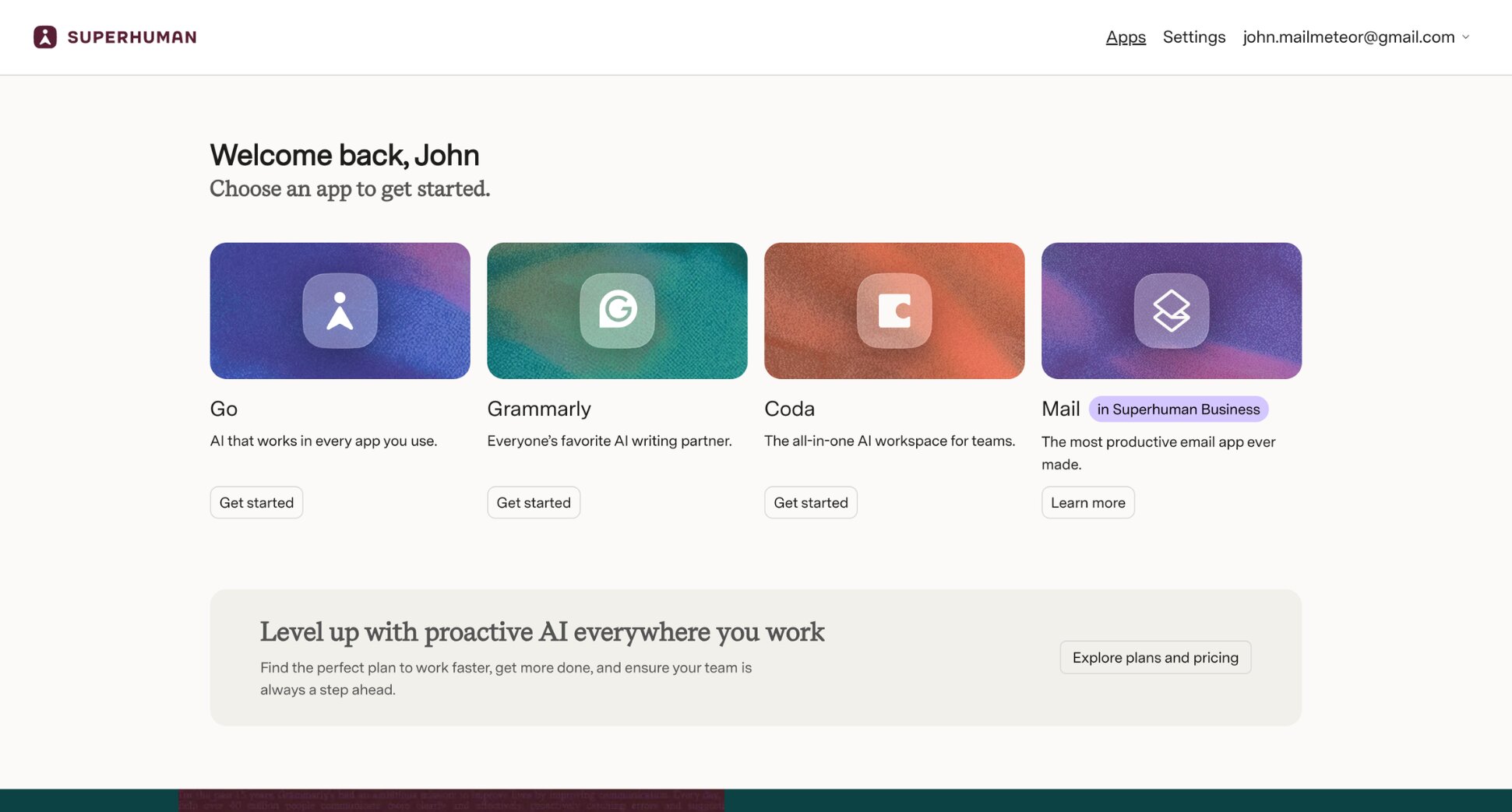
Superhuman is a premium email client built around one idea: process your inbox faster than you thought possible. It sits on top of Gmail or Outlook, replacing the default interface with a keyboard-shortcut-driven experience designed to eliminate every unnecessary click.
The AI features are strong — Auto Drafts, Auto Labels, and thread summarisation — but speed is the real product. For professionals handling 100+ emails a day, the time savings compound quickly. The premium price is the most common objection, and it’s a fair one: at $40/month, it’s hard to justify unless email is central to your job.
Key features:
- AI reply drafting that learns your writing style
- Split Inbox for automatic categorisation
- Auto Labels and snooze
- Thread summarisation
- Keyboard-shortcut-driven workflow
Pricing: Superhuman Mail is only available on the Business plan at $40/user/month. No free plan or trial for the email client.
Our verdict: The strongest option for high-volume email users who treat inbox speed as a competitive advantage. But at $40/month for the email client alone, it's a tool for people who live in their inbox, not occasional users.
5. Shortwave — Best for Gmail Users Switching to an AI-Native Inbox
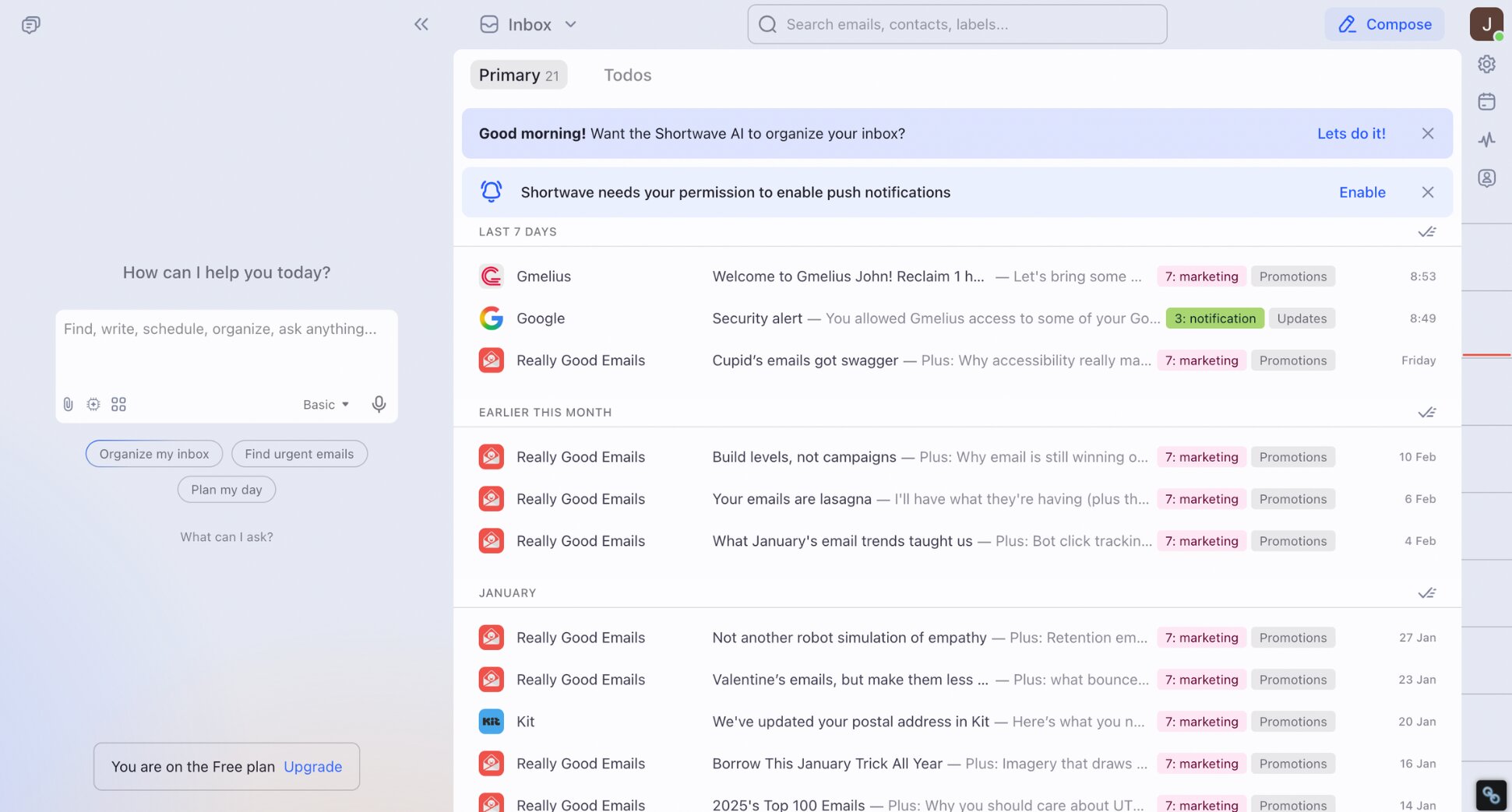
Shortwave is a Gmail client built from the ground up around AI. It replaces the Gmail interface with a cleaner, faster alternative that automatically groups emails into bundles, summarises threads, and lets you search your inbox using natural language rather than constructing a search query.
Built by former Firebase and Google engineers, it’s one of the most technically polished AI email management tools on this list. The main limitation: it only works with Gmail. Outlook users need to look elsewhere.
Key features:
- AI-native inbox replacing Gmail’s default interface
- Thread summarisation and email bundling
- Natural language inbox search
- AI reply drafting
- Tasklet automation connecting inbox to Slack, Notion, and Asana
Pricing: Free plan available. Personal Pro from $9/month. Teams from $29/seat/month.
Our verdict: The strongest pick for Gmail users who want to rebuild their inbox around AI rather than add features on top of it. Not suitable for Outlook users.
6. Fyxer — Best for Automating Inbox Organisation
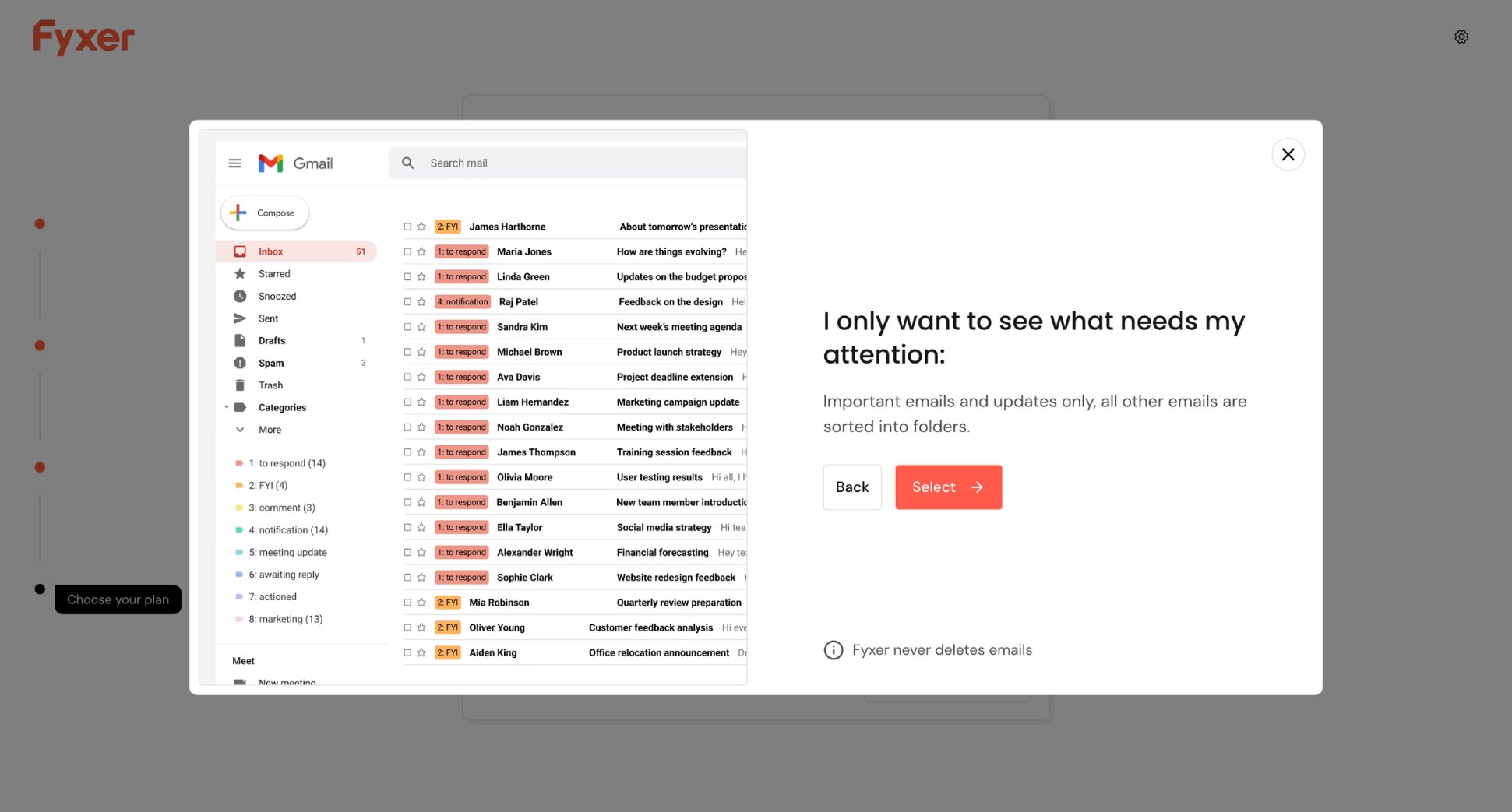
Fyxer positions itself as a digital assistant that works behind the scenes inside Gmail or Outlook. It categorises your emails automatically, drafts replies in your voice, and joins your meetings to take notes, then drops a clean summary and a ready-to-send follow-up email directly into your inbox.
It’s one of the most autonomous AI email management options here. You don’t need to prompt it or configure it extensively — it observes, learns, and acts. The tradeoff is that customisation is limited, and pricing is on the higher end for a single-user tool.
Key features:
- Automatic inbox categorisation
- AI reply drafting in your voice
- Meeting note-taking with automatic follow-up emails
- Smart scheduling link
Pricing: 7-day free trial. Starter plan at $30/user/month. Professional plan at $50/user/month. Enterprise on request.
Our verdict: A strong choice for professionals whose inbox and calendar are tightly connected. If post-meeting admin is your biggest pain point, Fyxer is worth a serious look.
7. Jace AI — Best for Hands-Off Inbox Management
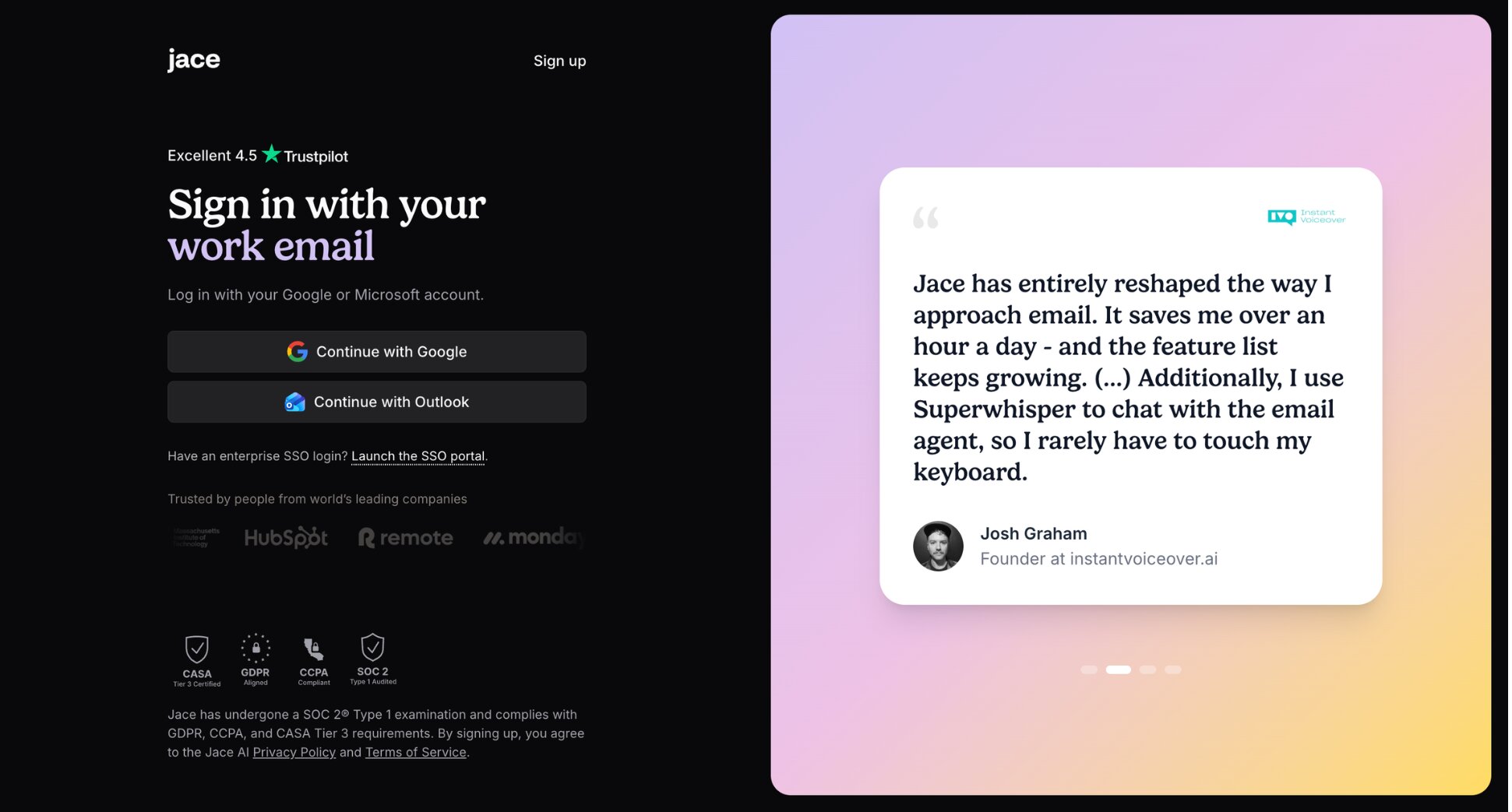
Jace AI takes a different approach to most tools on this list. Rather than helping you manage your inbox, it manages your inbox for you. It reads incoming emails, drafts contextual replies in your voice, organises your inbox autonomously, and handles multi-step workflows — all before you open your email in the morning.
It works with both Gmail and Outlook, adapts to your writing style without manual training, and is explicit about not storing email content or using it to train its models. For professionals looking for truly autonomous AI email management, Jace is the most complete option on this list.
Key features:
- Autonomous inbox triage and organisation
- AI reply drafting that mirrors your tone and style
- Multi-step workflow automation
- AI labelling and prioritisation
Pricing: Free trial available. Plus plan at $25/month. Pro plan at $50/month. Enterprise on request.
Our verdict: The most hands-off option. Best suited to busy professionals and founders who want their inbox handled rather than assisted.
How to Choose the Right AI Email Management Software
With dozens of tools on the market, the difference between a good pick and a bad one usually comes down to five things.
Gmail and Outlook Compatibility
Most AI email management tools are built for one platform or the other — not both. Before committing to anything, confirm it works with your email provider. Some tools, like Mailmeteor, are built specifically for Gmail and Google Workspace. Others, like Microsoft Copilot, are Outlook-native. A handful support both.
How Much It Actually Automates
There’s a meaningful difference between a tool that suggests actions and one that takes them. Some AI tools surface insights and draft replies for you to approve. Others sort, label, follow up, and clean your inbox without you lifting a finger. Neither is better by default — it depends on how much control you want to keep.
Privacy and Data Security
AI email management tools need access to your inbox to function. That’s unavoidable. What matters is what they do with that access. Look for tools that use encryption, don’t store your email content, and are explicit about not using your data to train their models. If a tool’s privacy policy is unclear, that’s a red flag.
Ease of Setup
The best AI email manager is the one you’ll actually use. If setup requires API configuration, spreadsheet imports, or a call with a sales team, most people won’t get past day one. Look for tools that connect to your inbox in a few clicks and start delivering value immediately.
Free Plan or Trial
Most reputable AI email management tools offer either a free plan or a trial period. Use it. The only way to know if a tool fits your workflow is to run it on your actual inbox — not to read about it. Give any tool at least a week before making a decision. If it doesn’t improve your workflow within that window, it probably won’t.
Start Using AI to Manage Your Inbox
If you’re on Gmail, Mailmeteor is the most straightforward place to start. It works inside Gmail and Google Sheets, requires no technical setup, and has a free plan that lets you send up to 50 emails per day — no credit card required.
Here’s how it can help you manage your emails:
✍️ Draft better emails in seconds with AI-powered assistance
🔁 Automate follow-ups so important emails don’t get forgotten
📊 Track emails to see when your messages are opened
📂 Categorise your inbox automatically and keep it organised
🤖 Summarise long threads instantly so you never lose context
📬 Send personalised emails at scale with mail merge
Try Mailmeteor for Gmail today (it’s free!) and reclaim the two hours a day you’ve been losing to your inbox.
FAQs
Can I use AI to manage my emails?
Yes. AI email management tools can sort your inbox, prioritise messages, draft replies, automate follow-ups, and clean up subscriptions — all without you lifting a finger. Most work directly inside Gmail or Outlook, so there’s no new interface to learn.
What is the best AI email manager?
It depends on your setup. For Gmail users, Mailmeteor is the most complete option — covering outreach, follow-ups, and inbox management in one place. For a fully autonomous inbox, Jace AI is worth a look. For Outlook users, Microsoft Copilot is the most seamless choice.
Are there free AI email management tools?
Yes. Mailmeteor has a free plan that lets you send up to 50 emails per day with no credit card required. Gemini in Gmail is free for personal Google accounts. Most other tools on this list offer a free trial but require a paid plan for full access.
Can AI manage my Outlook inbox?
Yes. Microsoft Copilot is built directly into Outlook and handles prioritisation, summarisation, and reply drafting. Fyxer and Jace AI also support Outlook if you want a third-party option.
What’s the best AI tool for managing Gmail?
Mailmeteor is the most capable option for Gmail users who send campaigns, follow-ups, or mail merges. For inbox organisation and automation, Shortwave and Fyxer are strong alternatives. Gemini in Gmail is the easiest starting point if you want something built in.
Is AI email management safe?
Generally yes, but it varies by tool. Reputable tools use encryption and don’t store your email content or use it to train their models. Always check the privacy policy before connecting any tool to your inbox — especially one that can read and send emails on your behalf.
Will AI read my emails?
To function, most AI email management tools need to access your inbox. What matters is what they do with that data. The tools on this list don’t store email content or sell your data. That said, always review the permissions you grant during setup and revoke access to any tool you stop using.